
How RAM Capacity, Channels, and Speed Affect Gaming
Understand when more memory helps, why dual-channel matters, and how to tell whether RAM is causing stutter or holding back integrated graphics.
RAM is the working space
Games use system memory for code, world data, shaders, audio, and assets that need quick access. Windows and background software share the same pool. When available memory becomes too low, data is moved to slower storage and frame times can suffer.
Capacity comes first
Enough capacity matters more than chasing a small speed difference. A lightly modded esports game and a heavily modded open-world game can need very different amounts. Watch actual committed memory during play instead of relying on one universal number.
- Close unnecessary apps before judging capacity.
- Test the busiest area, not only the main menu.
- Leave room for Windows and background services.
- Mods and high-resolution assets can change demand significantly.
Dual-channel and memory layout
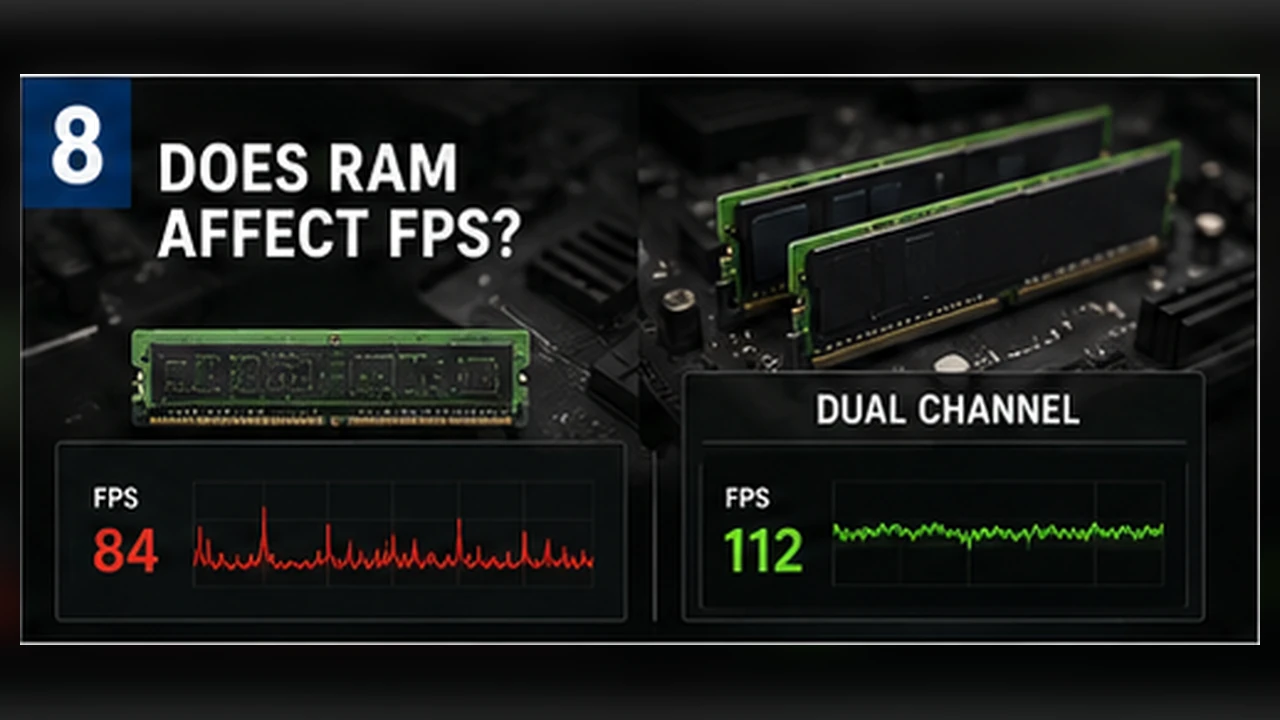
Two matched memory channels increase bandwidth. This can help CPU-limited games and is especially important for integrated graphics, which use system memory instead of dedicated VRAM. One module may reduce bandwidth even when total capacity looks sufficient.
Speed and latency
Higher memory speed and lower latency can improve some CPU-bound scenarios, but the gain depends on processor architecture, motherboard settings, and game behavior. A large upgrade on paper may produce a modest average change while improving lows more noticeably.
Signs that memory is the problem
Look for memory use near the system limit, heavy page-file activity, disk spikes that match stutter, or large improvements after closing apps. If VRAM rather than system RAM is full, lowering texture quality is usually the more direct test.
Test before upgrading
Run a repeatable scene, note memory use and 1% lows, close background apps, and test again. Confirm whether the modules are installed in the recommended slots and whether the intended memory profile is enabled.
More RAM does not automatically raise FPS. Upgrade when measurement shows capacity, bandwidth, or configuration is the actual limit.
How to tell whether memory is the real problem
Open the game, load a normal save, and watch total memory use after several minutes. If RAM is nearly full and the system starts moving data to storage, you may see long pauses when changing areas or switching applications. Closing browsers and launchers can confirm whether capacity is the issue without changing any hardware.
Low memory bandwidth is a different problem. An integrated GPU shares system memory, so dual-channel operation can matter more than it does on a PC with a dedicated graphics card. On many systems, however, adding capacity beyond what the game actually uses will not raise average FPS. It mainly provides room for the game, Windows, and background tasks to coexist.
Check these points before drawing a conclusion
- Measure memory use during the scene that causes trouble, not only on the desktop.
- Separate capacity problems from speed or channel-configuration problems.
- Look for paging, long loading pauses, and repeated asset hitching.
- Retest with unnecessary programs closed before blaming the game or GPU.