
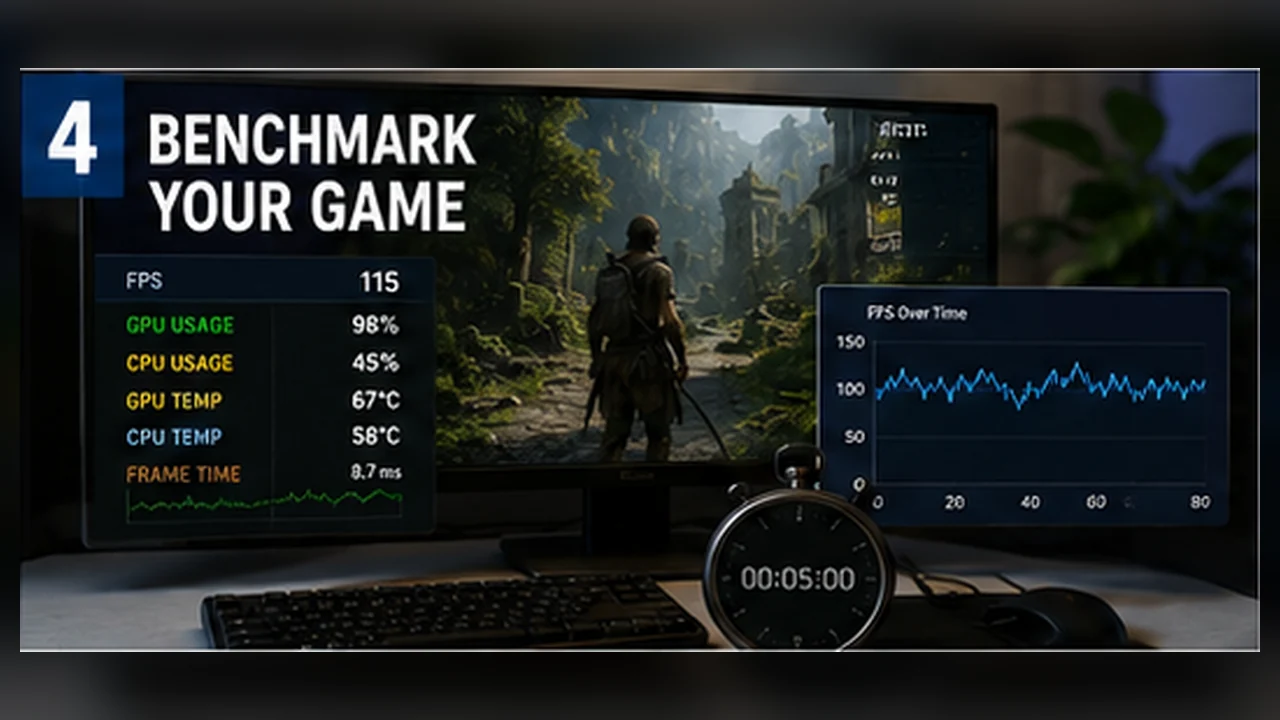
How to Benchmark a Game Properly on Your Own PC
Build a repeatable test, capture meaningful metrics, and compare settings without letting warm-up, background tasks, or different routes distort the result.
Decide what you are testing
A good benchmark answers one question. Are you comparing two presets, checking a driver, testing a cooling change, or measuring the hardest area of a game? Write the question first so the route and metrics match the purpose.
Control the variables
Use the same game version, save file, weather, route, resolution, preset, and FPS cap. Restart when appropriate and close unrelated tasks. Do not compare one run after ten minutes of warm-up with another immediately after boot.
- Change one variable at a time.
- Use identical camera movement where possible.
- Keep power mode and fan profile unchanged.
- Let shader compilation finish before recording.
Choose a representative route
Built-in benchmarks are convenient and repeatable, but may not represent the hardest gameplay. A manual route can be better if it includes crowds, combat, traversal, and camera turns. Keep it short enough to repeat accurately.
Capture the right metrics
Average FPS shows overall throughput. 1% lows describe slower moments. Frame-time graphs reveal spikes. GPU use, CPU per-core activity, temperatures, clocks, power, RAM, and VRAM help explain why the result changed.
Run more than once
One pass can include a background interruption, cache miss, or random event. Run at least two or three passes. If one result is far from the others, investigate rather than averaging it blindly.
The first run may compile shaders or fill caches. Decide whether you are measuring a cold start or steady-state performance and label the method clearly.
Interpret differences carefully
A 1% change may be normal noise. A consistent improvement across several runs is more convincing. Check whether visual quality changed, whether a frame cap was active, and whether the faster result also improved lows.
A benchmark is useful when another person could understand what you did and repeat it, not when it only produces a large number.
A repeatable ten-minute test
Choose a route that contains the kind of load you care about, such as a busy town, a combat encounter, or a fast drive through the map. Warm the game for a few minutes so shaders, clocks, and temperatures settle. Then run the route three times without changing settings, weather, save state, or background programs.
Write down average FPS and 1% lows for each run, but also note any hitch you can see. If one run is very different, repeat it instead of averaging a bad capture into the result. Three similar runs are more useful than one long session with uncontrolled scenes.
Keep a small test sheet
This record lets you compare a patch or settings change later without relying on memory. It also shows whether an improvement is repeatable or just a lighter scene.
- Game version, driver version, resolution, preset, and upscaling mode.
- The exact route, duration, and whether it was a built-in benchmark.
- Average FPS, 1% lows, temperatures, and visible frame-time spikes.
- Any frame cap, V-Sync setting, power mode, overlay, or recording software.